THE RUSHNYK OF UNITY · YOUR PROFILE

Rushnyk for your avatar

Carry the cloth on your own profile. Build an avatar here in the browser, or take a ready cover, banner or sticker below.

Make your own

Your photo, a rushnyk border, two files out: a round avatar and a square for posts. It all happens inside this tab.

Drop a photo here, or choose a file

Drag the photo to move it. With the preview focused: arrow keys move, + and − zoom, 0 starts over.

Your photo stays in this browser tab. Nothing is uploaded, nothing is stored, nothing reaches us.

Rushnyk border
Preview

Choose a photo to see it in the border.

Ready files

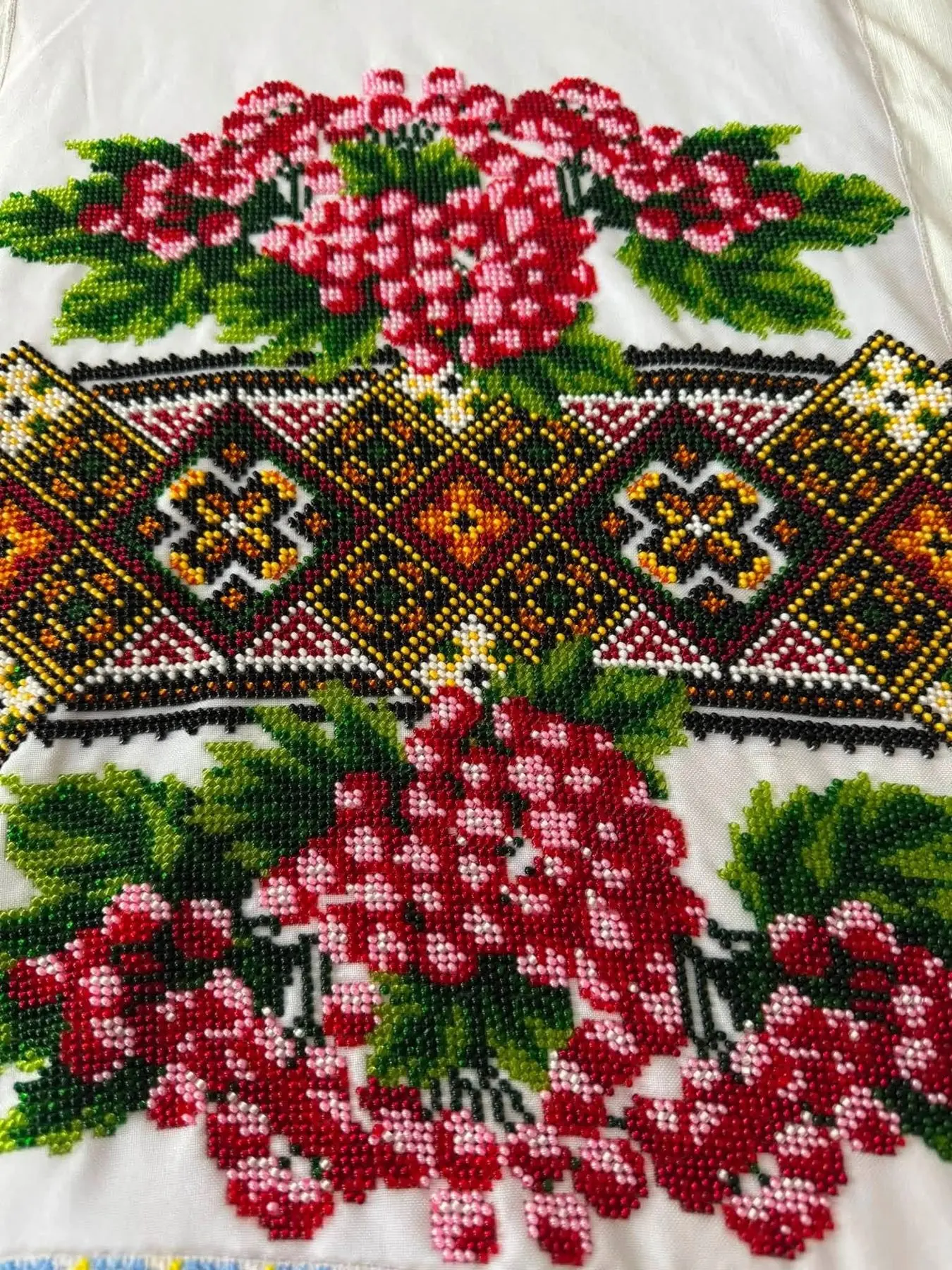
Covers, banners and stickers, every one of them cut from the same embroidered band as the pages of this section.

Facebook cover

Size
1640 × 924
Where it goes
Cover for a page, a group or an event

Wide header

Size
1500 × 500
Where it goes
X, LinkedIn and anywhere a wide banner is asked for

Link card

Size
1200 × 630
Where it goes
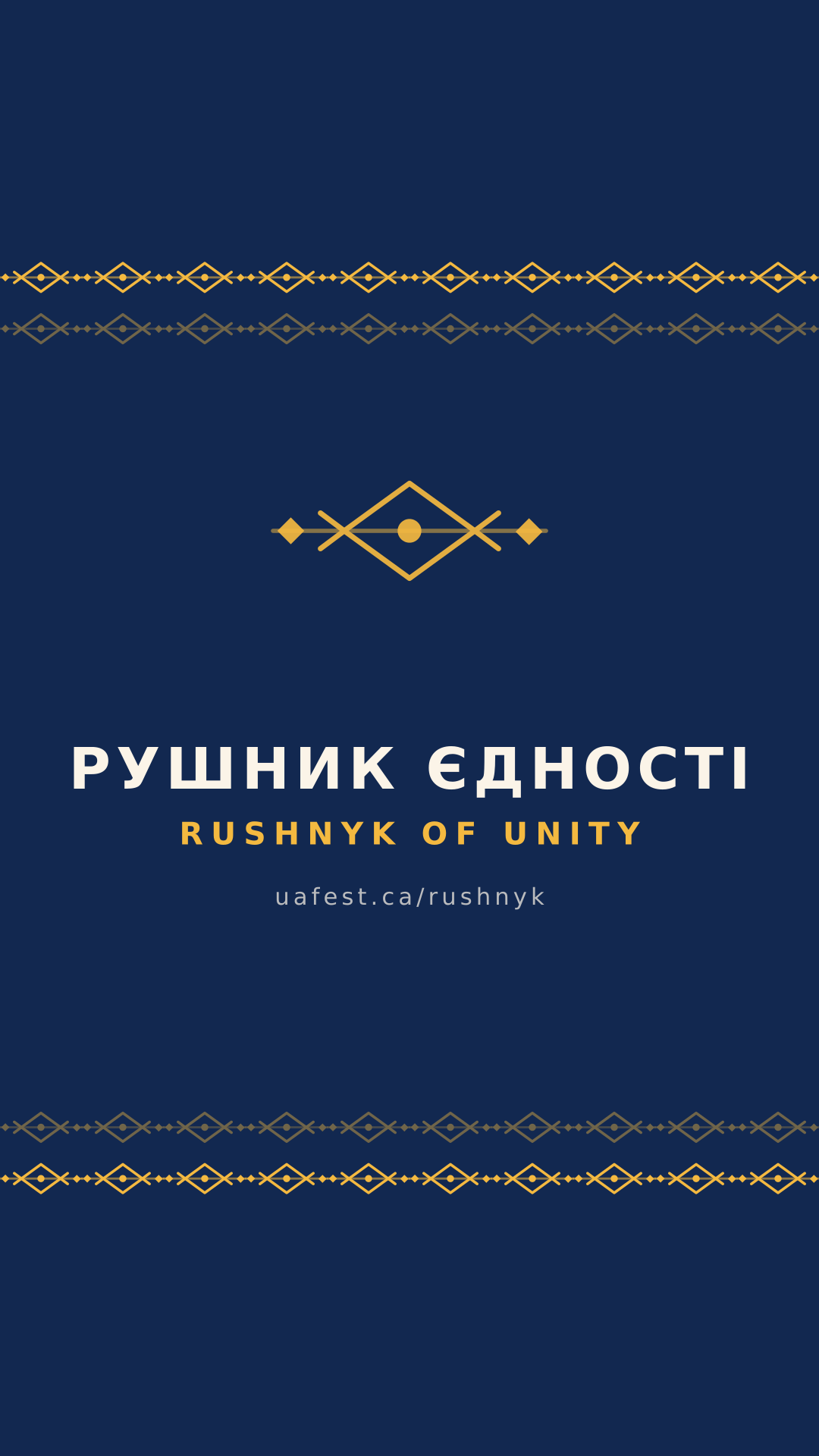
The picture a shared link shows in Telegram, Messenger and Facebook

Story

Size
1080 × 1920
Where it goes
Instagram, Facebook and Telegram stories

Square post

Size
1080 × 1080
Where it goes
A feed post on its own, or a background for your own words

Telegram stickers

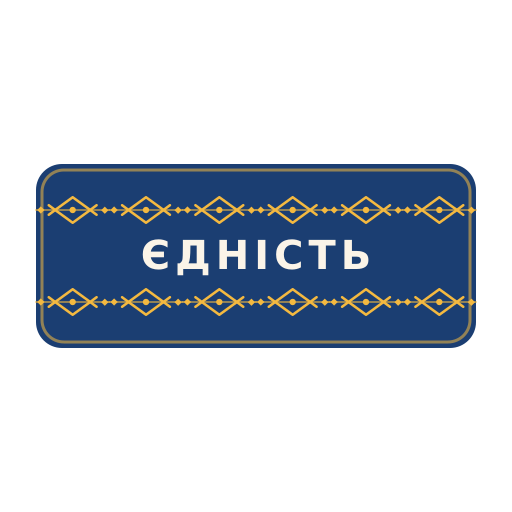
Four PNGs, 512 × 512 with a transparent background — the shape @Stickers asks for. Send them to the bot to build your own pack, or post them as pictures anywhere else.

The whole pack in one archive

Two packs are already live in Telegram: the rushnyk and the festival, twelve stickers each, plus four custom emoji. One tap adds them. The archive holds the same images with the covers and banners, for posts and print.

How to put it up

Three minutes, once, on whichever network you live in.
  1. Facebook

    1. 1.Open your profile, tap the profile picture and choose Select profile picture → Upload photo.
    2. 2.Pick rushnyk-avatar-1024.png from your downloads.
    3. 3.Save it as it is — the border already sits at the edge of the file, so any extra cropping eats into it.
  2. Instagram

    1. 1.Profile → Edit profile → Change photo → New profile picture.
    2. 2.Choose rushnyk-avatar-1024.png and leave the crop where it lands.
    3. 3.For the feed take rushnyk-square-1080.png from the studio, or the ready square post below.
  3. Telegram

    1. 1.Settings → tap your photo → Set New Photo → choose from gallery.
    2. 2.Pick rushnyk-avatar-1024.png and drag the circle out to the edges of the picture.
    3. 3.Stickers go to @Stickers: send /newpack, give the pack a name, then send each PNG as a file.

Pass it on

Every stop so far started with someone sending this link to their own community.